
Treatment Template: Design for Brett Hemmings

Template 2
Option 2 features a photo that takes up half of the cover page. The right side of the cover includes Brett’s information and the client’s details. The photo has no raw edges, so it looks much cleaner. The interior pages use color blocks to highlight text, taking up half the page or overlaying a full-bleed photo.
Doonside, Australia-based Brett Hemmings is an experienced sports/fitness advertising photographer with a great sense of style. He has built a solid portfolio and a strong visual identity to support it. A few months ago, we worked together on an emailer template. Now it was time to create a Treatment Template that would make it quick and easy to swap in new images and text for each new estimate.
Working on his emailer gave me a head start on his treatment because I was already familiar with Brett’s style, and maintaining a consistent look across all these marketing materials was important to both of us. Even though I had a clear idea of what Brett wanted, I presented three options in the first round, each with slight variations in design and layout.
Template 1
Option 1 features a full-bleed photo behind a white strip with rough edges. The cover page features Brett’s logo, the client’s name, the client’s logo, the campaign, and the shoot dates. The rest of Brett’s information is at the bottom of the strip. The interior pages show a single image with a raw edge. Solid, thin lines highlight the text and outline the photos.
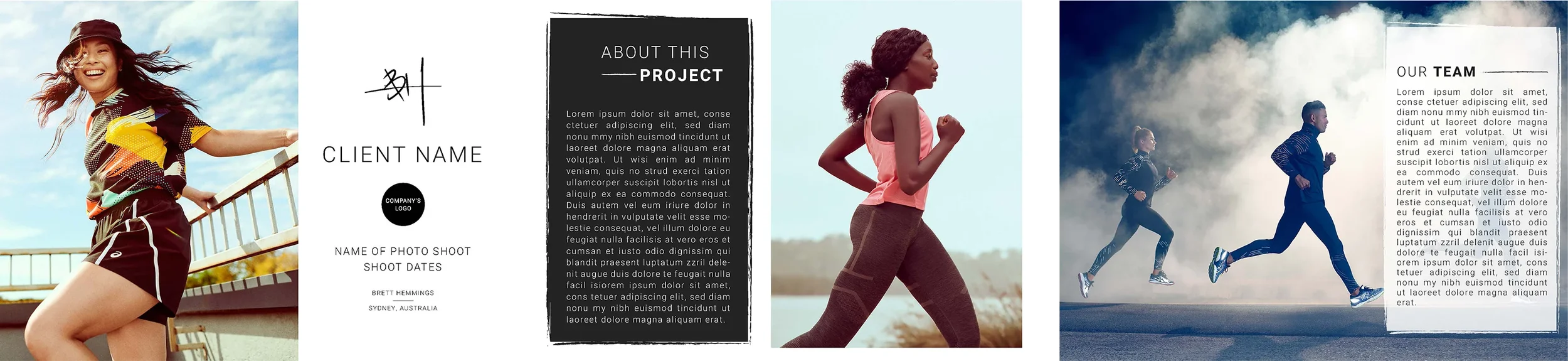
Template 3
Option 3 shows a full-bleed cover page. Brett’s info, the client’s info, and the campaign details are shown over thick, paint-like brushstrokes. The interior pages feature photos in a grid, while paint streaks form the graphic element.

I expected Brett to favor option 1, so it wasn't a surprise when he picked it. The only change he suggested was to shorten the cover page strip. With his positive feedback, I built the rest of the pages.
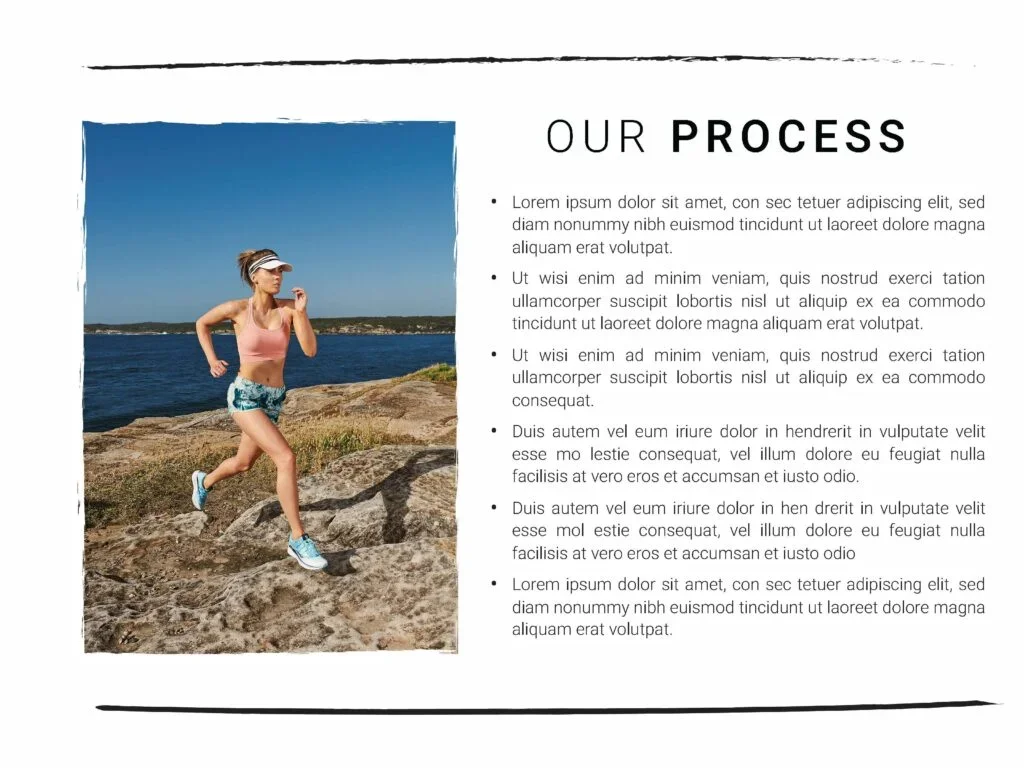
Since this was a treatment template, I didn't have specific clients in mind. To set Brett up for success, I created a variety of pages to use as prompts. Each page had an editable header and placeholder text that could be easily replaced. I even created a table for the last page in case Brett wanted to include an estimate with his treatment. With this editable Keynote file and step-by-step guide, Brett can quickly create a new treatment for any client.